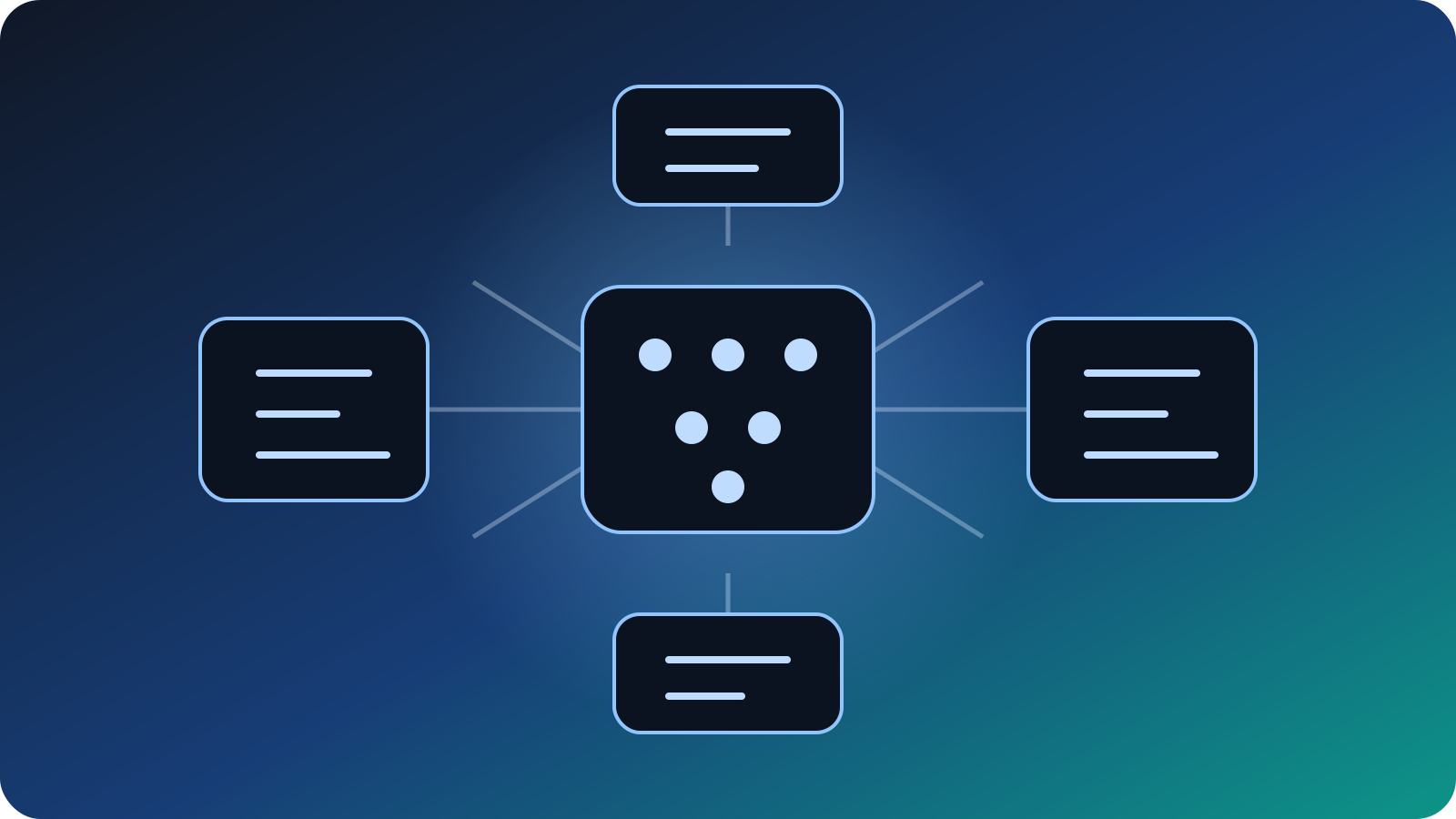
1. 方案概念
1. Architecture Overview
先理解三個角色:模型、引擎、介面。理解這一章後,之後每一步都會清楚很多。
First separate the model, engine, and interface. Once this is clear, the rest of the setup becomes much easier.
Gemma 4         # 模型 / model
Ollama          # 執行引擎 / runner
Open WebUI # 網頁介面 / interface- 先讓 Ollama 能正常跑模型。
- Make sure Ollama can run a model first.
- 再安裝 Open WebUI。
- Then install Open WebUI.
- 最後再加 RAG、知識庫、跨裝置。
- Add RAG, knowledge bases, and multi-device access last.
2. 先看硬體與模型
2. Match Hardware to Models
不是每部電腦都適合同一個模型大小。先選對模型,比硬上大模型更重要。
Not every machine should run the same model size. Choosing the right model matters more than forcing a large one.
| 電腦等級 | Hardware Tier | 建議模型 | Suggested Model | 說明 | Notes |
|---|---|---|---|---|---|
| 入門:8GB RAM | gemma4:e2b | 優先求能跑與回應快。 | Prioritize usability and speed. | ||
| 中階:16GB RAM | gemma4:e4b | 最常見甜蜜點,速度與質量平衡。 | A common sweet spot between quality and speed. | ||
| 進階:24GB+ 統一記憶體或更高 | gemma4:26b | 適合想用大模型做長文、知識庫、較複雜任務。 | Good for long context, knowledge work, and more demanding tasks. |
| Gemma 4 | 重點 | Key Points |
|---|---|---|
| e2b / e4b | 較適合本地輕量執行;官方資料列出 128K context。 | Better for lighter local use; official info lists 128K context. |
| 26b | MoE 架構,25.2B 總參數、3.8B 活躍參數、256K context。 | MoE model with 25.2B total params, 3.8B active params, and 256K context. |
| 31b | 更大更重,通常需要更強硬體。 | Larger and heavier, usually needing stronger hardware. |
3. 安裝 Ollama
3. Install Ollama
Ollama 是本地模型的執行引擎。官方的基本檢查方式是先看版本號。
Ollama is the local model runner. The basic official check is to verify the installed version.
ollama --version看到版本號,代表 Ollama 已安裝而且可從終端機呼叫。
If you see a version string, Ollama is installed and available from the terminal.
先不要急著裝 WebUI,先拉一個模型並實際對話一次。
Do not rush to the web UI. Pull a model and chat once first.
4. 下載 Gemma
4. Pull Gemma
Google 官方文件列出 Ollama 可直接使用的 Gemma 4 標籤,包括 e2b、e4b、26b、31b。
Google’s Ollama integration docs list the available Gemma 4 tags, including e2b, e4b, 26b, and 31b.
ollama pull gemma4
ollama pull gemma4:e4b
ollama pull gemma4:26b
ollama listollama run gemma4:26b如果終端機進入對話模式,就代表模型已能正常執行。
If the terminal enters chat mode, the model is running correctly.
5. Python 與虛擬環境
5. Python and Virtual Environments
如果你用 pip 方式安裝 Open WebUI,虛擬環境幾乎是標準做法。它能避免把很多依賴套件混進系統環境。
If you install Open WebUI with pip, a virtual environment is close to standard practice. It keeps dependencies isolated from your system setup.
python3 --version
pyenv versions
pyenv global 3.11.12
mkvirtualenv open-webui
workon open-webui| 做法 | Approach | 優點 | Benefit |
|---|---|---|---|
| 裝在全域 | Global install | 快 | Quick |
| 裝在獨立 venv | Dedicated virtualenv | 乾淨、好移除、好排錯 | Clean, removable, easier to troubleshoot |
6. 安裝 Open WebUI
6. Install Open WebUI
Open WebUI 官方入門頁面列出多種安裝方式:Docker、Python、Kubernetes、桌面版;其中 Docker 是官方標示的建議快速路徑,而 Python 適合較輕量的手動安裝。
Open WebUI’s getting started page lists several install paths: Docker, Python, Kubernetes, and a desktop app; Docker is presented as the recommended fast path, while Python suits lightweight manual installs.
pip install open-webui
open-webui serve較標準、較接近正式部署。
More standardized and closer to production-style deployment.
較輕便,適合學習與個人機器。
Lighter and convenient for learning or personal machines.
7. 首次啟動與登入
7. First Startup and Sign-in
第一次啟動時,畫面可能出現很多看起來像錯誤的訊息,但有些其實只是警告或初始化流程。
On first startup, you may see many messages that look like errors, but some are only warnings or initialization steps.
open-webui serve
# 瀏覽器打開 / open in browser
http://localhost:8080| 畫面訊息 | Startup Message | 怎麼理解 | How to Read It |
|---|---|---|---|
| HF_TOKEN warning | 通常是下載 Hugging Face 相關資源時的提醒。 | Usually a reminder related to Hugging Face downloads. | |
| ffmpeg not found | 通常影響語音或影音功能,不一定影響文字聊天。 | Usually affects audio/video features, not basic text chat. | |
| migration / upgrade | 多半是資料庫初始化或升級。 | Usually database initialization or migration. |
8. System Prompt
8. System Prompt
System Prompt 就是給 AI 的固定工作說明書。它比你每次重新講規則更有效率。
A system prompt is the model’s standing instruction manual. It is more efficient than repeating the same rules in every chat.
你是一位專業助理。請遵守以下規則:
1. 永遠使用繁體中文回答
2. 回答要實用直接,附具體步驟
3. 涉及法規時提醒讀者核實最新版本
4. 需要英文版本時提供中英對照9. RAG 文件對話
9. RAG File Chat
RAG 的意思是:讓 AI 在回答時參考你提供的文件,而不只靠它原本的訓練資料。
RAG means the AI answers with help from your uploaded documents, not only from its original training data.
- 員工手冊
- Employee handbooks
- 法規 PDF
- Policy and legal PDFs
- 會議紀錄
- Meeting notes
- 上傳檔案。
- Upload a file.
- 等待處理完成。
- Wait for indexing.
- 直接針對內容提問。
- Ask questions about the contents.
10. 知識庫
10. Knowledge Base
知識庫是 RAG 的升級版:不是每次聊天都重新上傳,而是把一組文件長期保存起來,之後反覆掛載使用。
A knowledge base is the upgraded version of RAG: instead of re-uploading files every time, you keep a curated set of documents ready for repeated use.
| 功能 | Feature | 一般上傳 | One-off Upload | 知識庫 | Knowledge Base |
|---|---|---|---|---|---|
| 保存時間 | Persistence | 短期 | Short-term | 長期 | Long-term |
| 適合場景 | Use Case | 單次分析 | One-off analysis | 常用資料集 | Reusable document sets |
| 效率 | Efficiency | 每次重做 | Repeat every time | 一次建立,之後重用 | Create once, reuse later |
11. 啟動與關閉腳本
11. Startup and Shutdown Scripts
腳本的作用是把多條指令打包成一個按鈕,減少每天重複輸入。
Scripts package multiple commands into one button, reducing repetitive daily typing.
# start-ai.sh
#!/bin/bash
export OLLAMA_HOST="0.0.0.0"
source ~/.virtualenvs/open-webui/bin/activate
ollama serve &
sleep 3
open-webui serve &
sleep 5
open http://localhost:8080
# stop-ai.sh
#!/bin/bash
pkill ollama
pkill -f "open-webui"
echo "AI stopped"sleep 的作用是讓服務先啟動完成,再打開瀏覽器,避免「太快敲門但服務還沒準備好」的情況。sleep gives the services time to start before the browser opens, avoiding a “too fast, service not ready yet” problem.12. Windows / 手機連線
12. Windows / Phone Access
如果其他裝置和主機在同一個 Wi‑Fi,就可以把主機當成小型 AI 伺服器來用。
If your other devices share the same Wi‑Fi, the host machine can act like a small AI server.
# 開放 Ollama 讓區域網路可連
OLLAMA_HOST=0.0.0.0 ollama serve &

# 取得主機 IP
ipconfig getifaddr en0

# 檢查 11434 是否對外監聽
lsof -i :11434| 裝置 | Device | 網址 | URL | 用途 | Purpose |
|---|---|---|---|---|---|
| Windows / 手機 | http://主機IP:11434 | 測試 Ollama 是否在運作,常見回應是 "Ollama is running"。 | Test whether Ollama is responding; a common response is "Ollama is running". | ||
| Windows / 手機 | http://主機IP:8080 | 打開 Open WebUI 圖形介面。 | Open the Open WebUI interface. |
localhost;因為在手機裡,localhost 代表的是手機自己。localhost; on a phone, localhost means the phone itself.13. 安全與維護
13. Safety and Maintenance
當你把服務開放給手機或 Windows 使用時,就要多一層安全意識:在哪個網路環境下開放、什麼時候關閉。
Once you expose the service to phones or Windows devices, you need stronger safety habits: know which network you are on and when to shut things down.
| 網路環境 | Network | 風險 | Risk | 建議 | Recommendation |
|---|---|---|---|---|---|
| 自家 Wi‑Fi | Home Wi‑Fi | 低 | Low | 可接受,用完關閉 | Usually acceptable; shut down when done |
| 公司 Wi‑Fi | Office Wi‑Fi | 中 | Medium | 留意其他人是否可見 | Be careful about visibility to others |
| 公共 Wi‑Fi | Public Wi‑Fi | 高 | High | 不建議直接開放 | Do not expose directly |
# 日常停止服務
pkill ollama && pkill -f "open-webui"

# 更新 Open WebUI
workon open-webui
pip install --upgrade open-webui

# 刪除模型
ollama rm gemma4:26b14. 常見問題與學習路線
14. FAQs and Next Learning Steps
最後一章把整體流程重新收斂成一個學習地圖,方便分享給朋友,也方便自己日後複習。
The final chapter compresses the whole journey into a simple learning map for sharing and future review.
| 問題 | Question | 短答 | Short Answer |
|---|---|---|---|
| 要先裝模型還是先裝 WebUI? | Model or WebUI first? | 先模型,再 WebUI。 | Model first, then WebUI. |
| 手機可否使用? | Can a phone use it? | 可以,同 Wi‑Fi 下用主機 IP 開啟 8080。 | Yes, on the same Wi‑Fi using the host IP on port 8080. |
| 為什麼要虛擬環境? | Why use a virtual environment? | 隔離套件,方便清理與排錯。 | To isolate packages and simplify cleanup and troubleshooting. |
| 什麼時候升級到大模型? | When should I move to a bigger model? | 當小模型流程已穩定、且你真的需要更強品質時。 | When your workflow is stable and you truly need better quality. |
- 先會安裝與啟動。
- Learn install and startup first.
- 再會選模型。
- Then learn model selection.
- 再學 System Prompt。
- Then learn system prompts.
- 再學 RAG 與知識庫。
- Then move to RAG and knowledge bases.
- 最後做跨裝置與自動化。
- Finally, add automation and multi-device access.